EEG Protocol
This is a manual for general use of EEG based on the "Quick Reference Guide" by Jonathan van Leeuwen.
Before Participant Arrives
- Turn on computer.
- Turn on Actiview on BioSemi computer.
- Start the experiment on the experiment computer.
- Check battery, always use a fully charged battery (one battery should always be charging).
- Prepare the things you need for measuring EEG.
- EEG electrodes
- EOG electrodes
- CMS and DRL electrodes
- Electrode caps in various sizes
- Gel syringe
- Electrode gel
- EOG stickers
- Scissors
- Cleaning tonic for the skin
- Salt
- Plastic tub
- Scissors
- Towel and shampoo
Preparation of the Participant
Talk to participant, if participant has participated in EEG experiment before, roughly explain what you are going to do. If participant has never participated in EEG experiment, explain extensively what he/she will have to do. Always talk to the participant while you are applying gel and electrodes and tell the participant what you are doing. Interact with the participant, make them feel comfortable.
Get the participant to go to the toilet before anything starts.
If the participants skin is very oily or has makeup clean it softly with the cleaning tonic and tissues (the locations where the EOG electrodes are being placed).
Measure the head circumference and find correct EEG cap.
Place the EOG electrodes:
EXG1: 2cm above the right eye (aligned to center of eye)
EXG2: 2cm below the right eye (aligned to center of eye)
EXG3: 1cm right of the right eye (aligned to center of eye)
EXG4: 1cm left of the left eye (aligned to center of eye)
EXG5: On right mastoid behind right ear (reference)
EXG6: On left mastoid behind left ear (reference)
Place EEG cap (make sure its placed correctly and that the label is outside of the cap).
Fill electrode holders with gel 3/4 full.
Attach the electrodes to the EEG cap, one bundle at a time (also attach the CMS and DRL).
Put participant in the cubicle.
Check that the subject is sitting at the correct distance (75cm from screen).
Attach the electrode bundles to the BiosemiAD converter (CSM within range).
Check that the incoming data is of sufficient quality.
Tell the participant to try to limit his/her eye-blinking.
Start Experiment
Close the cubicle door and turn off lights.
Start the EEG data collection in Actiview (make sure that it is saving data).
Start the experiment.
Check that there are incoming port codes in Actiview during the experiment (IMPORTANT).
.
If you are measuring separate blocks, make sure that you stop and start the EEG collection after and before each block.
End Experiment
Stop all data collection on the computers.
Turn on light in the cubicle.
Turn off the BiosemiAD converter.
Unplug the electrode(s)(bundles) from the BiosemiAD converter.
Carefully take out all the electrodes from the cap (easiest if participant is still wearing the cap).
Remove the EEG cap.
Remove the EOG electrodes.
Give participant a towel and show them where to clean their hair.
Start cleaning the electrodes and the EEG cap.
When participant is done with cleaning up, get participant to sign/fill in payment forms.
Thank participant and show him/her to the exit if necessary.
Continue cleaning the electrodes and EEG cap.
Backup data (IMPORTANT).
.
Turn off the computers and lights.
Extended Manual for BioSemi Equipment
For more detailed information on the use of the BioSemi EEG system, please have a look at the following manual.
Configuration
To compute the visual angle for your screen configuration when using EEG use the following helping excel file .
Sharing Screens Between Computers
There is software installed for showing the screen of the BioSemi computer on the stimulus screen inside the cubicle. This can be useful when you want to show a participant or student their live data for educational purposes. Follow these steps to accomplish this:
Search for "UltraVNC Server" in the searchbar of the BioSemi pc and launch it.
Search for "UltraVNC Viewer" in the searchbar of the stimulus pc and launch it as well.
On the stimulus pc, behind "server:port", type the name of the computer (e. g. "B447A-80-B") and click connect.
You are asked to insert a password on the stimulus pc, this is view!.
Click "accept" on the BioSemi pc and the connection will start. You will now see the BioSemi screen on the stimulus pc.
To end the connection, press the x in the upper right corner on the stimulus pc.
Cleaning Instructions Caps
Please clean the gel from the caps thoroughly, it can help to soak the cap in warm water before rinsing the individual holes. Make sure that no gel remains so that the next researcher can use a fresh and clean cap for their participant.
Preferably do not use a hairdryer on the caps, this can damage them. If you must, use low heat and keep enough distance between the cap and the hair dryer. Also, do not hang caps to dry, this will deform them. Instead, lay them on a towel to air dry after washing.
There is a sink present for cleaning in the EEG lab.
[Insert PICTURE]
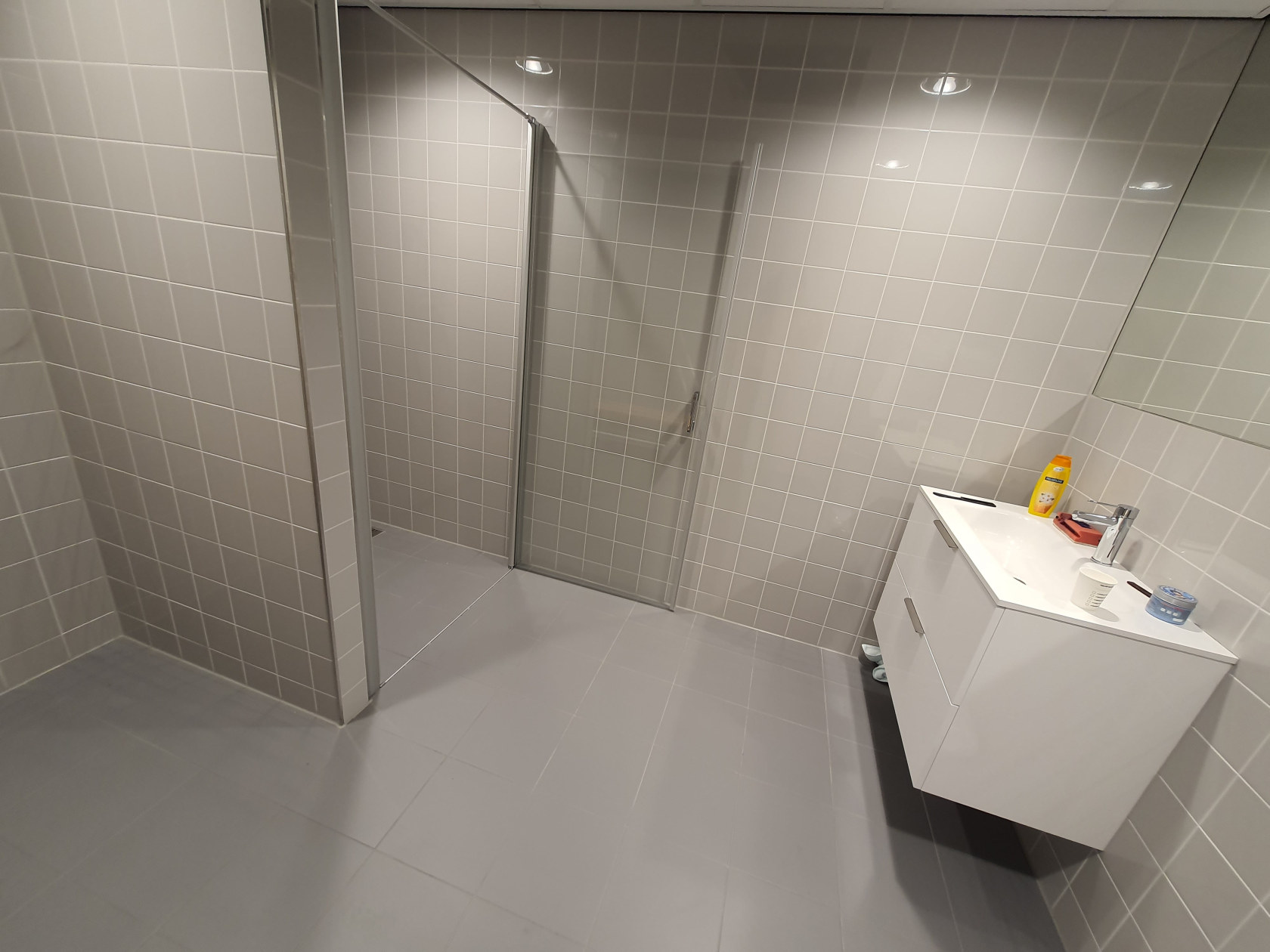
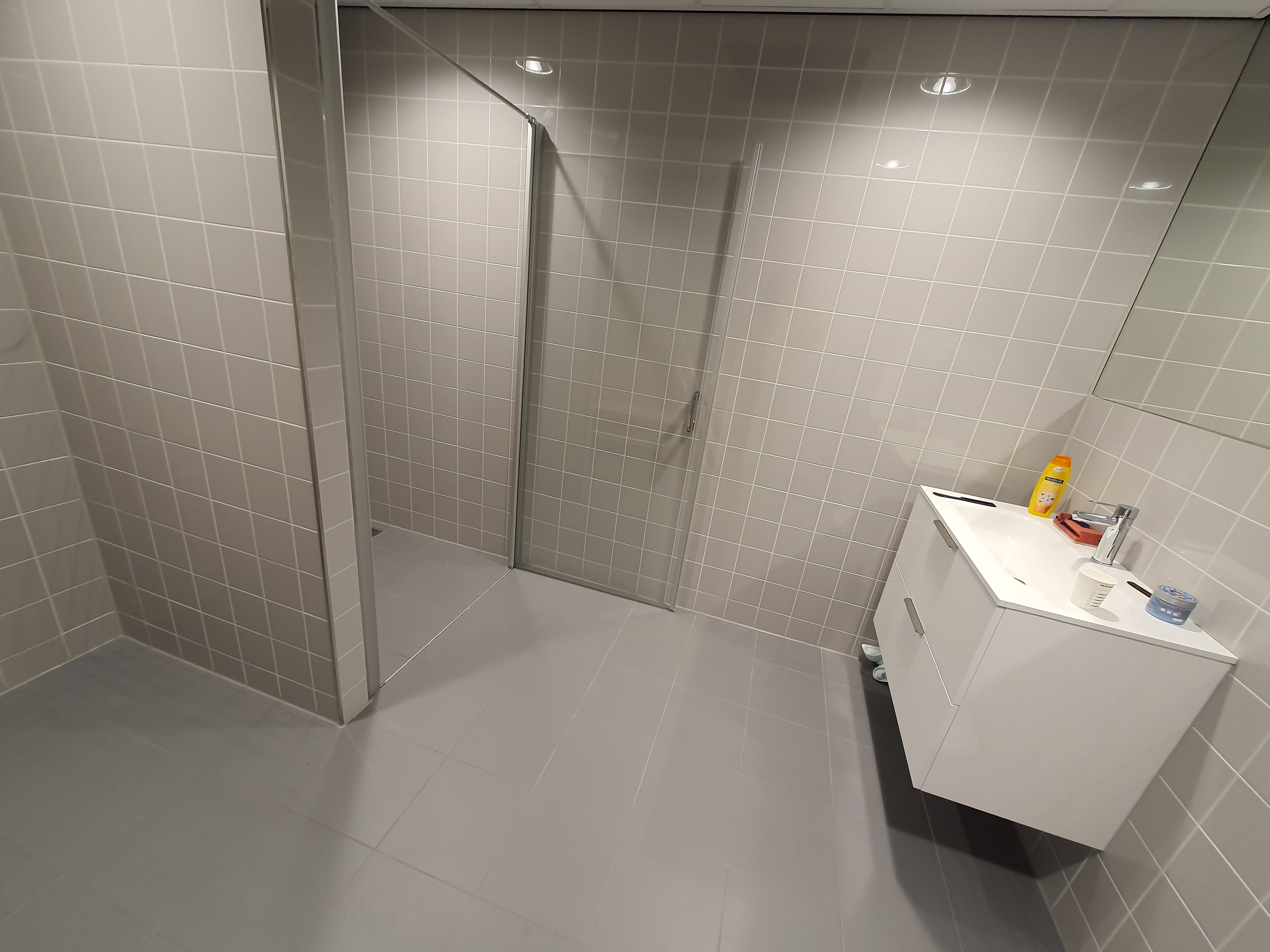
Shower
There is a shower available if the participant wishes to clean their hair after the experiment. It is next to the EEG lab (officially: MF-B447-D), on the right side: