# Monitors
---
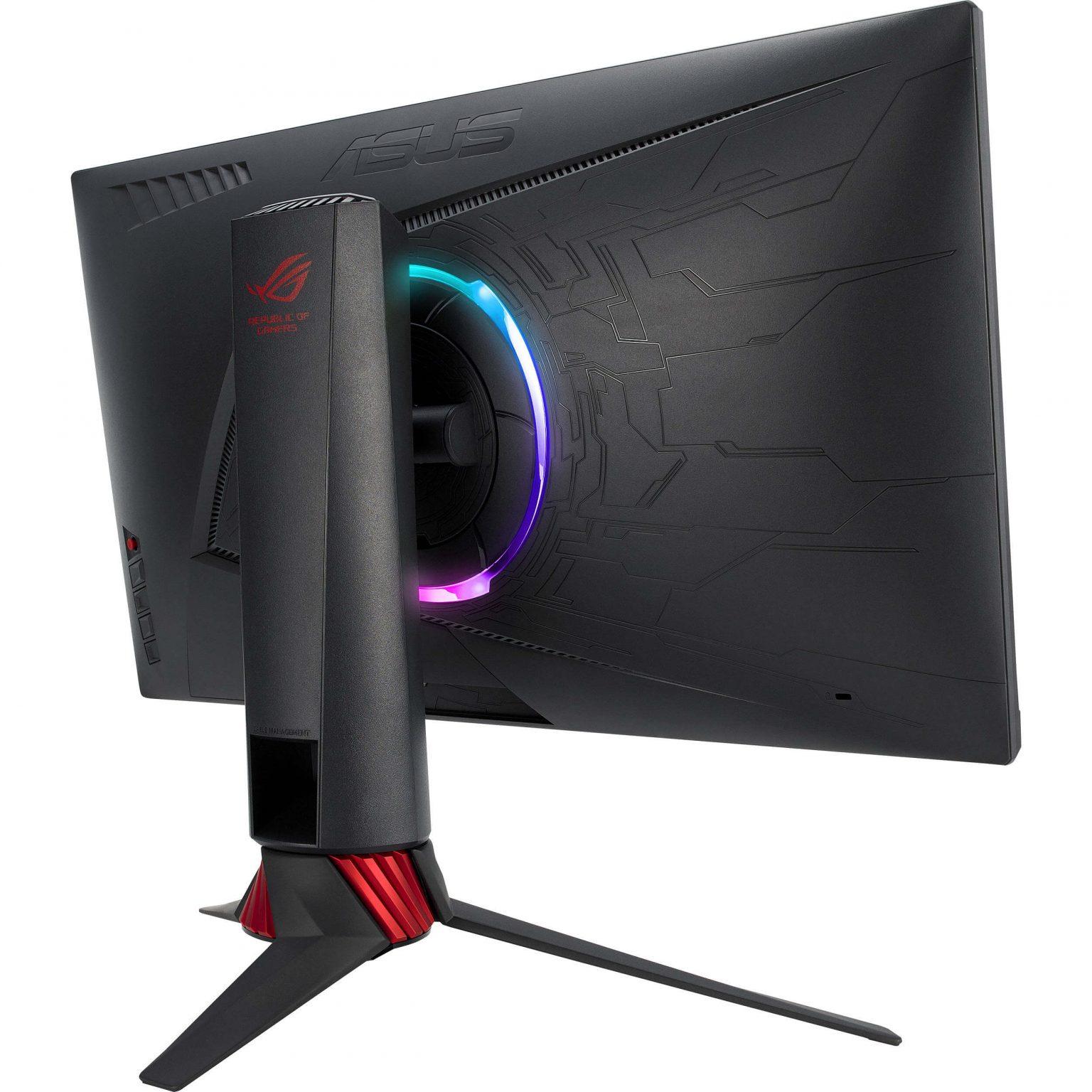
In the lab, we make use of different monitors. In the behavioural cubicles, there is only one monitor. In the EEG or EyeLink set-ups, there are at least 2 monitors. All monitors that are used for presenting stimuli are of the model [**ASUS ROG Strix XG248Q** ](https://www.displayspecifications.com/en/model/63ab131a). This is also the case for all the behavioural cubicles. The monitor that researchers look at is a slightly different model: [**ASUS ROG Strix XG258** ](https://www.displayspecifications.com/en/model/924edf3). You can find more details in the linked webpages.
##### **ASUS ROG Strix XG248Q (Stimulus)**
**Resolution:** 1920 x 1080 pixels / Full HD
**Diagonal:** 23.8 inches / 60.4 cm
**Width x Height:** 527 x 296 mm
**Refresh Rate:** 48 - 240Hz / Actual max: 239.96Hz
##### **ASUS ROG Strix XG258 (Researcher)**
**Resolution:** 1920 x 1080 pixels / Full HD
**Diagonal:** 24.5 inches / 62.2 cm
**Width x Height:** 544 x 303 mm
**Refresh Rate:** 48 - 240Hz / Actual max: 239.76Hz
By default, the refresh rate of the monitors are set to 240Hz. You can change this in the Windows settings if you need to set the monitor to a lower refresh rate. You can also adjust it through the GPU's Control Panel.
[](https://bblabs.fgb.vu.nl/uploads/images/gallery/2025-12/image-xg248qback.jpg) [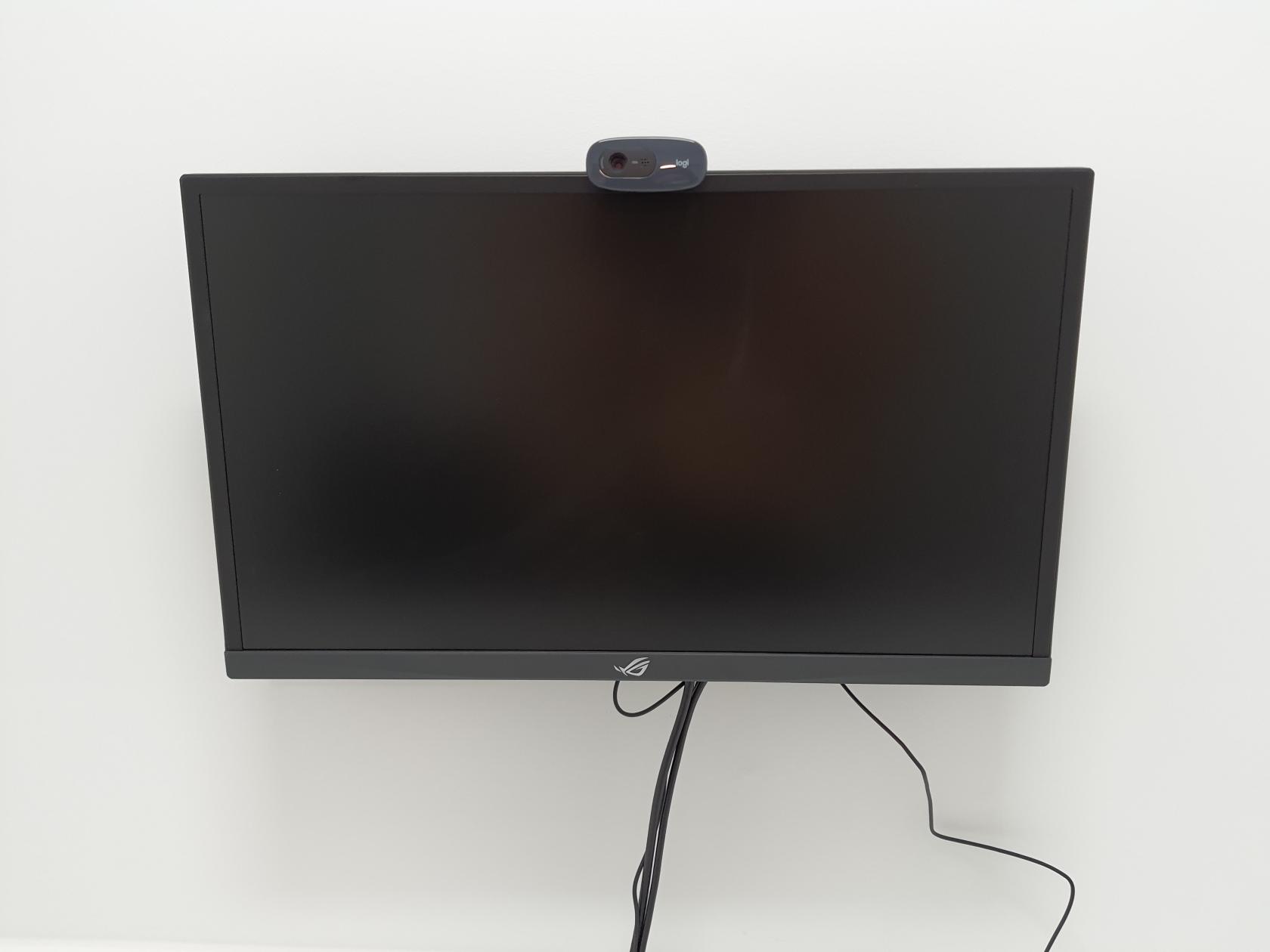](https://bblabs.fgb.vu.nl/uploads/images/gallery/2025-12/image-monitorhanging.jpg)
If you need monitors with specific requirements (touchscreen, dimension, refresh rate, resolution, etc.), then contact the [Lab Coordinator ](https://bblabs.fgb.vu.nl/books/brain-behaviour-lab/page/people "People")and we can discuss the possibilities.